
Unmasking TikTok Accounts
A Beginner's Guide to TikTok OSINT
If you're trying to find someone on TikTok — verify a match from a dating app, check whether an account contacting you is real, or confirm a name against a profile — you don't need specialized software to start. Open source intelligence (OSINT) is investigation using only publicly available information, and most of it can be done in a browser with patience and the right search technique.
This guide walks through three manual methods that work today, in the order you should try them, and is honest about where they stop working — specifically, the point where all you have is an email address or phone number and no visible profile to pivot from. That gap is real, and it's covered at the end.
What Is TikTok OSINT?
TikTok OSINT is the practice of using publicly visible TikTok data — usernames, display names, bios, profile photos, and follower/following patterns — combined with cross-platform searches, to identify or verify who is behind an account. It sits within the broader category of SOCMINT (social media intelligence) tools and techniques, and relies entirely on information the account holder has already made public; it is not account access, hacking, or bypassing any privacy setting.
Manual OSINT Methods
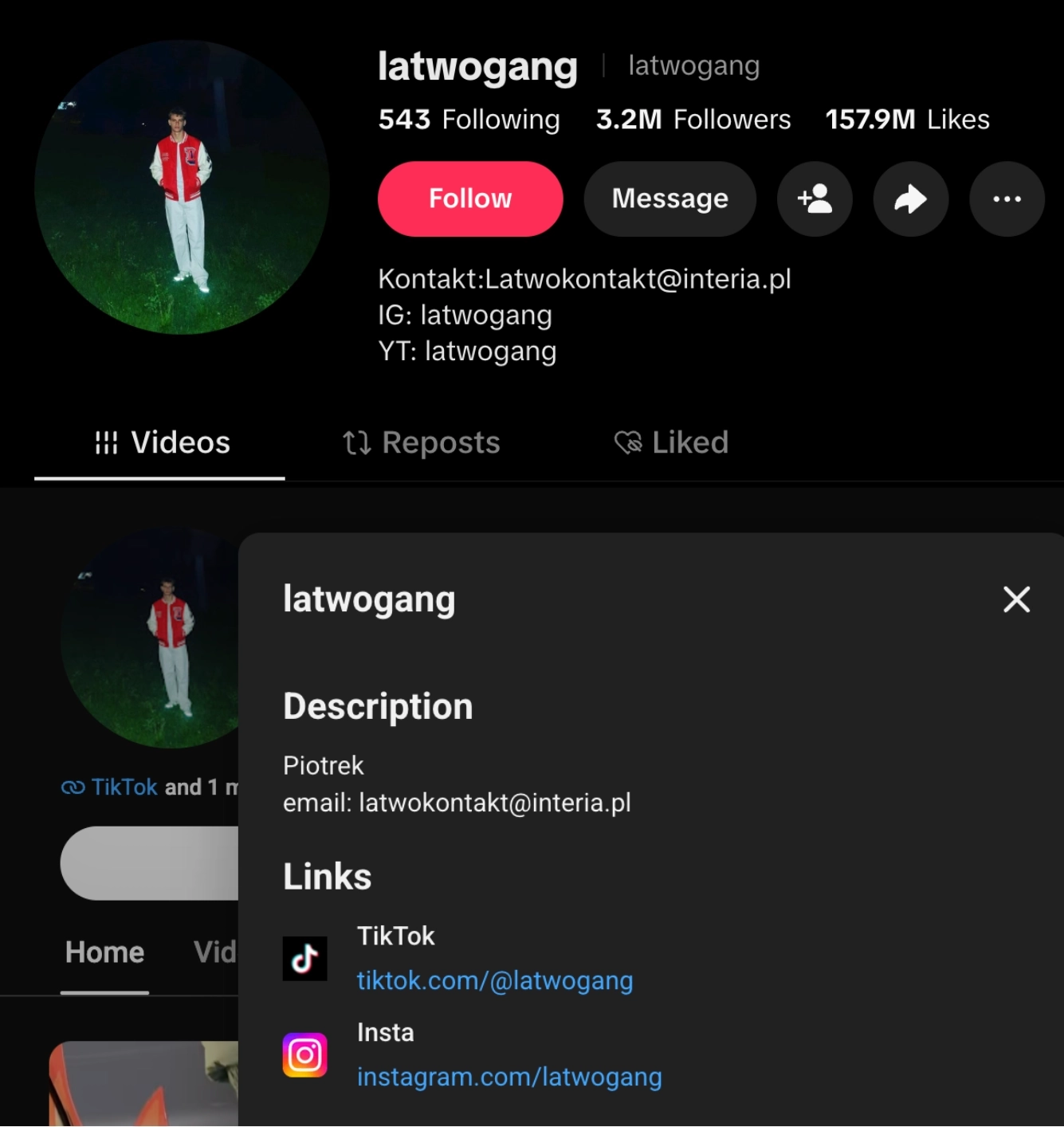
Method 1: Username Handle Pivoting
People reuse usernames far more than they think. A handle chosen for TikTok at 16 often gets recycled on Instagram, Reddit, Discord, or an old Xbox Gamertag — and that reuse is your first and cheapest pivot point.
How to do it:
- Copy the exact handle — from the TikTok profile URL (
tiktok.com/@handle), not the display name. - Test the handle on other platforms — try
instagram.com/handle,twitter.com/handle,reddit.com/user/handle,github.com/handle. Most platforms 404 cleanly if the handle doesn't exist there, which is itself useful signal. - Try close variants — with/without underscores, appended birth years, or a "real." / "official." prefix are common patterns when a preferred handle is taken.
- Cross-check the display name too — some people keep handles inconsistent but names consistent, or vice versa.
This kind of cross-platform correlation is a basic form of digital identity resolution — piecing together a single identity from fragments spread across platforms rather than relying on one source.
Limitation — handle reuse is a correlation signal, not proof. Two accounts sharing a rare handle is meaningful; two accounts sharing a common one ("mia123") tells you very little on its own. Weight this method by how unusual the handle is.
Method 2: Reverse Profile Picture Search
If the account has a real photo (not a cartoon avatar or stock image), a reverse image search can surface where else that photo — or the person in it — appears online.
How to do it:
- Save the profile picture at full resolution — open the image directly, not the thumbnail, where the platform allows it.
- Run it through Google Lens — upload the image and review visual matches and "pages that include matching images."
- Run it through Yandex Images separately — Yandex's face-matching model is generally regarded in the OSINT community as stronger than Google's for identifying people (not just visually similar images), so treat it as a distinct pass, not a duplicate check.
- Compare results — look for the same photo, or a close crop of it, appearing under a different name or platform.
Limitation — this method fails against stock photos, AI-generated faces, filtered images, or photos cropped/mirrored specifically to defeat reverse search. A photo returning zero matches is not proof of anything — it just means the search didn't find a match, which is different from confirming the photo is unique or fabricated.
Method 3: Bio "Dorking"
TikTok bios are short, but they're frequently the densest source of cross-platform data on the whole profile — a Linktree URL, a business name, a city, an emoji pattern that's also used elsewhere.
How to do it:
- Read the bio text itself — for anything specific: a business name, school, city, or phrase that isn't generic.
- Follow any bio link fully — Linktree, Beacons, and similar link-in-bio tools often list every other platform the person uses on one page.
- Search a distinctive bio phrase in quotes — an exact-phrase search surfaces other posts or profiles using identical wording, a stronger signal than a name match alone.
- Search any business or brand name directly — small businesses often link the same TikTok, Instagram, and website in multiple places.
Limitation — bios change and link-in-bio pages get updated or deleted; treat what you find as a snapshot, and note the date you checked it.
Methods 1 through 3 together form a basic OSINT framework you can apply to any platform, not just TikTok: pivot on identifiers, verify with imagery, corroborate with linked content.
Manual Verification Checklist
Once you've pulled signal from the three methods above, weigh them together rather than relying on any single one:
- Handle or display name matches across 2+ independent platforms
- Profile photo returns a consistent match — not just visual similarity — on reverse search
- Bio-linked accounts corroborate the identity — Linktree, website, or other bio links agree
- Posting pattern is consistent — location, language, and timestamps match the claimed identity
- No single signal is doing all the work — two weak signals agreeing beats one confident-looking one
If most boxes are unchecked, treat the identification as unconfirmed rather than stretching thin evidence to a conclusion — a common failure mode in informal verification.
Where Manual OSINT Hits a Wall
Can you find a TikTok account from just an email address or phone number, manually?
No — not through the TikTok UI or a browser search. TikTok does not expose a public search-by-email or search-by-phone function, and there is no manual equivalent to "reverse" a contact identifier into a username the way you can reverse an image. The three methods above all start from an existing profile — a handle, a photo, a bio — and work outward. When the only thing you're holding is an email or phone number, there's no visible starting thread to pivot from — you'd need to already have found the account through some other means to confirm the email or phone number belongs to it, not the other way around.
This is a structural gap, not a skill gap: it isn't that manual OSINT is done poorly here, it's that the platform doesn't surface the pivot at all.
Closing that specific gap is what correlation-focused OSINT platforms exist for — running a reverse email lookup or reverse phone number lookup that checks the identifier against many sources at once instead of by hand, one platform at a time. Noimosiny is one such platform: it runs reverse lookups from an email address, phone number, or username across 250+ modules, including a dedicated TikTok module, and correlates results — for example, using recursive Gravatar lookups to surface linked accounts — rather than requiring you to manually re-run the handle-pivoting and bio-dorking steps above against every platform one at a time. For a deeper look at how identifier-based correlation works, see our guide on unmasking digital identities.
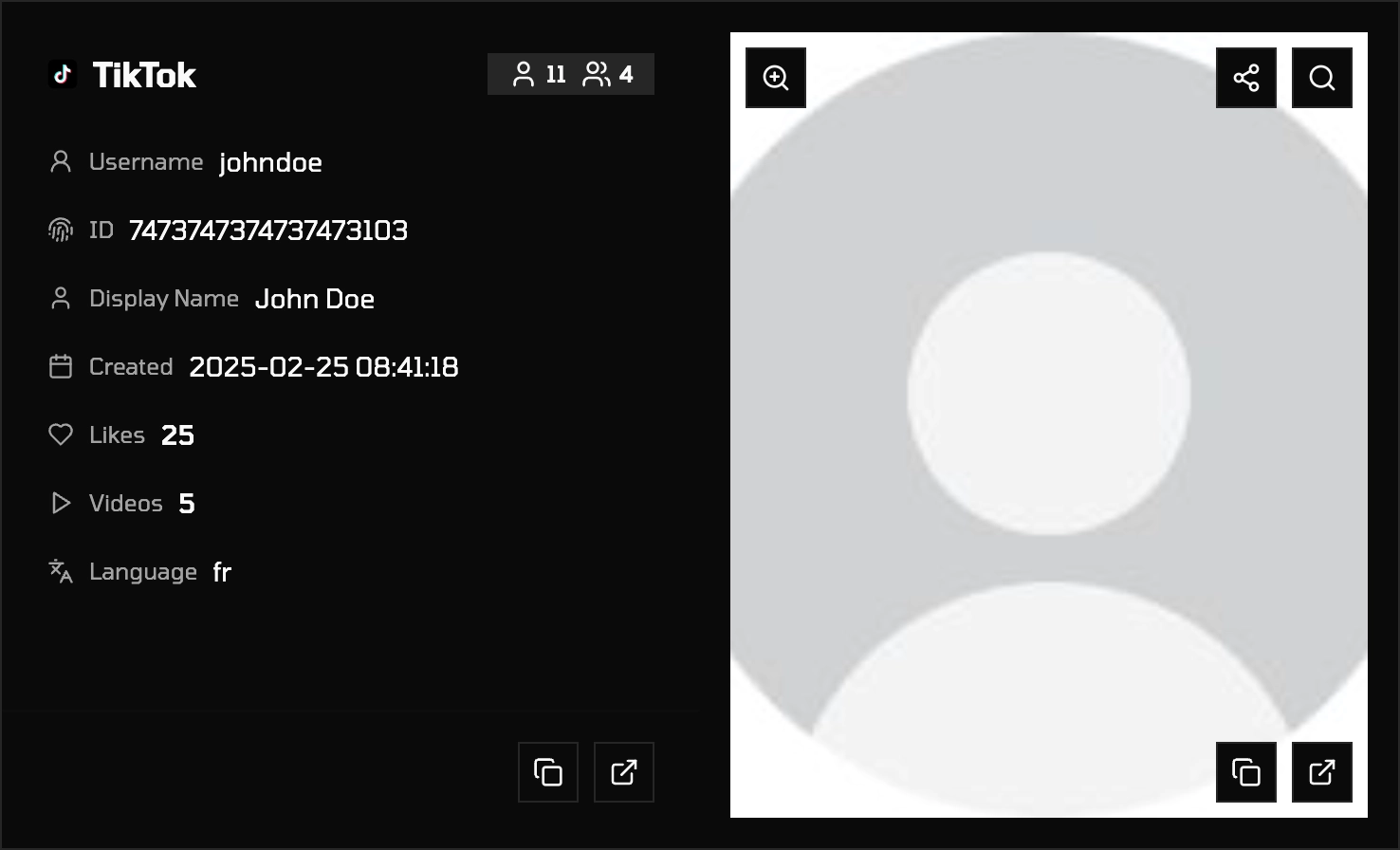
It won't out-perform manual OSINT on a case where you already have a photo or handle to work with — the methods above are often faster there. It's specifically built for the case this guide can't solve manually: contact info in, connected accounts out.
Responsible Use
Everything above uses only information the account holder has made public. It does not cover, and should not be used for, accessing private accounts, bypassing authentication, or any activity intended to harass or endanger someone. OSINT legality and appropriate use vary by jurisdiction and purpose — personal safety checks, journalism, and professional investigation are treated differently in different places. This guide is educational, not legal advice.
FAQ
Can I find someone's TikTok with just their name? Sometimes — TikTok's in-app search matches display names and usernames, but common names return too many results to be useful alone. Combine a name search with another signal (city, workplace, mutual follower) to narrow results.
What's the best free tool to reverse image search a TikTok profile picture? Google Lens and Yandex Images are both free and require no account. Run the same photo through both — Yandex is often stronger for matching faces specifically, while Google surfaces a broader page-match index.
How do I know if a TikTok account is fake? Check for account age, posting consistency, follower-to-engagement ratio, and whether the profile photo passes a reverse image search. No single check is conclusive; weigh several together using the verification checklist above.
Is it legal to look someone up on TikTok using OSINT techniques? Using only publicly visible information is generally permitted, but legality depends on your jurisdiction and intent. This is not legal advice — consult local guidance if the investigation has legal stakes.
Can you find a TikTok account from an email address or phone number without a tool? No. TikTok doesn't offer a manual search-by-email or search-by-phone function, so there's no browser-based method to reverse a contact identifier into an account. Closing this gap requires a reverse lookup tool that checks the identifier against multiple sources at once.
Next Step
The methods above will resolve most cases where you have a handle, photo, or bio to start from. If your starting point is only an email address or phone number, that's the one case manual search structurally can't reach.