
Tips and tricks for searching for information on Telegram using Google
Created in 2013, Telegram gained a reputation in its early years as a messaging app with minimal censorship and a high degree of anonymity. A lot has changed since then: channel administrators have been arrested all over the world, and the platform has blocked numerous channels and chats for violating its rules.
But Telegram still remains one of the world's largest sources of illegal and semi-legal content. Leaked personal data, compromising information about public figures, pirated books and films, and information about the “black” aspects of cybersecurity. All this and much more can still be found there in 2026. Searching this messaging app is an important skill for anyone investigating crimes or conducting academic research into the criminal underworld.
And, of course, many law-abiding citizens and businesses have accounts, channels and chats there. More than a billion people worldwide use the Telegram messaging app. Checking for mentions on Telegram can be part of almost any investigation.
Unfortunately, it doesn’t have a fully fledged built-in search function covering every post in every channel, as Facebook or Twitter do. However, Telegram channels and chats are indexed quite well by Google and other search engines.
Key search query for Telegram
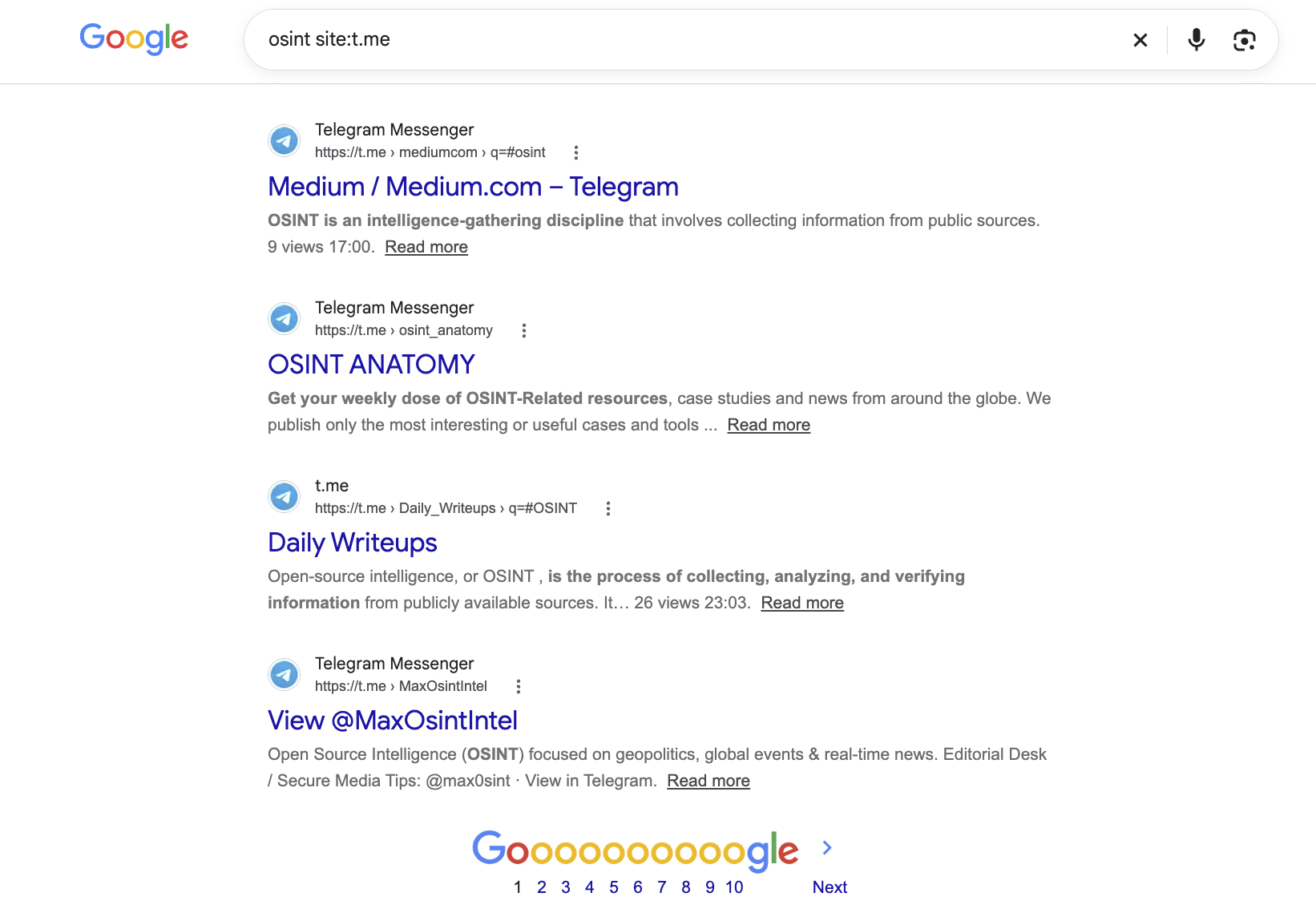
To search for posts, users and channels on Telegram, start by searching the “t.me” domain. For example:
osint site:t.me
This is the most important search query. Combine it with different keywords and you can find most of the content indexed by Google. But Telegram is extremely popular in Russia (despite being blocked there and only accessible via a VPN), and it is also very well indexed by Yandex. Most of the search queries mentioned below will work with that search engine too.
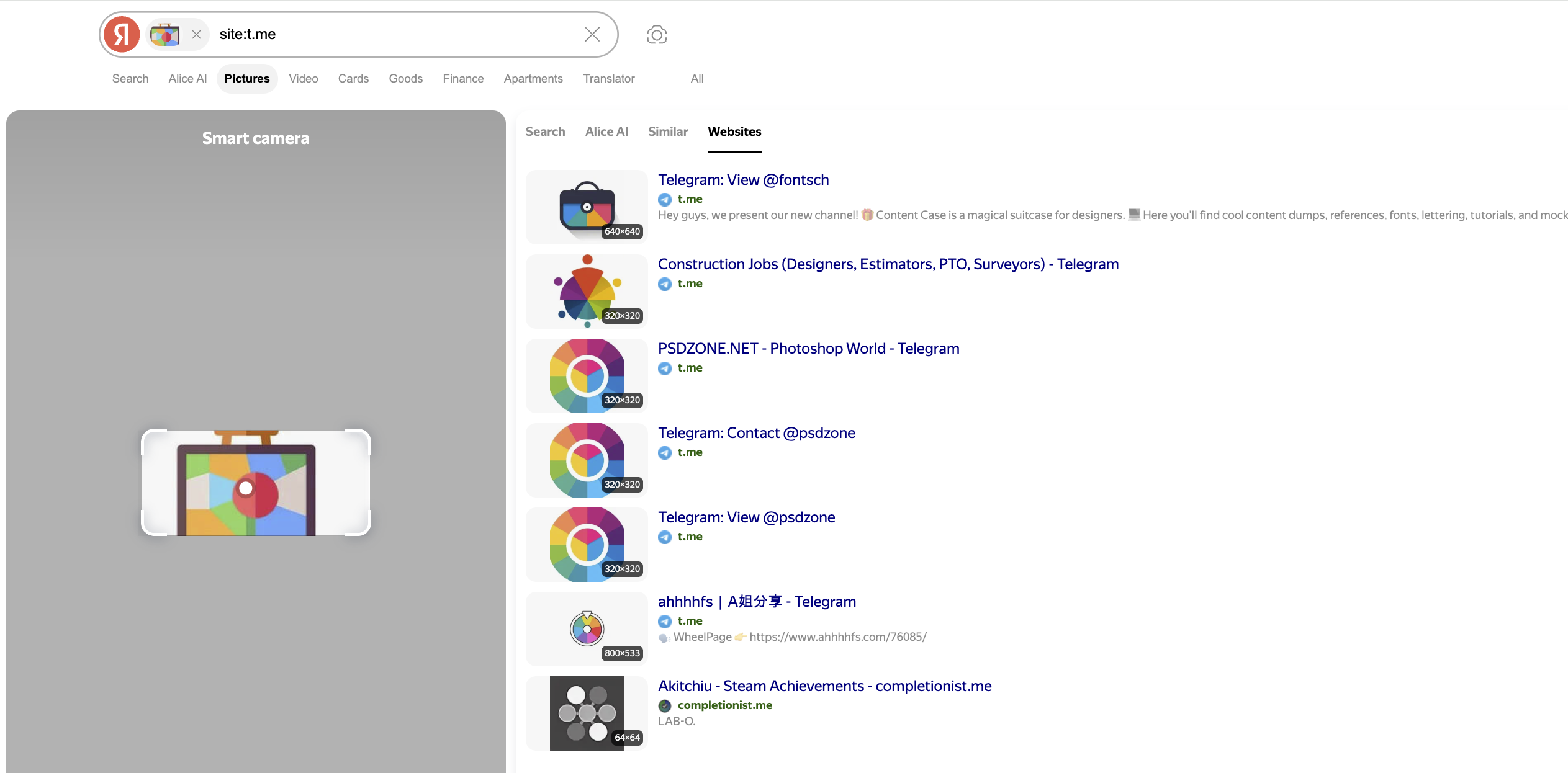
But Yandex has one advantage. It lets you use the “site:” operator not only for standard searches, but also for image searches. And sometimes this helps when searching for channels and users by their avatars. Unfortunately, though, this feature doesn’t work quite as well as one might hope.
Searching for contacts, channels and bots
To search by the names and descriptions of public and private chats, add this operator to your query:
site:t.me/joinchat/
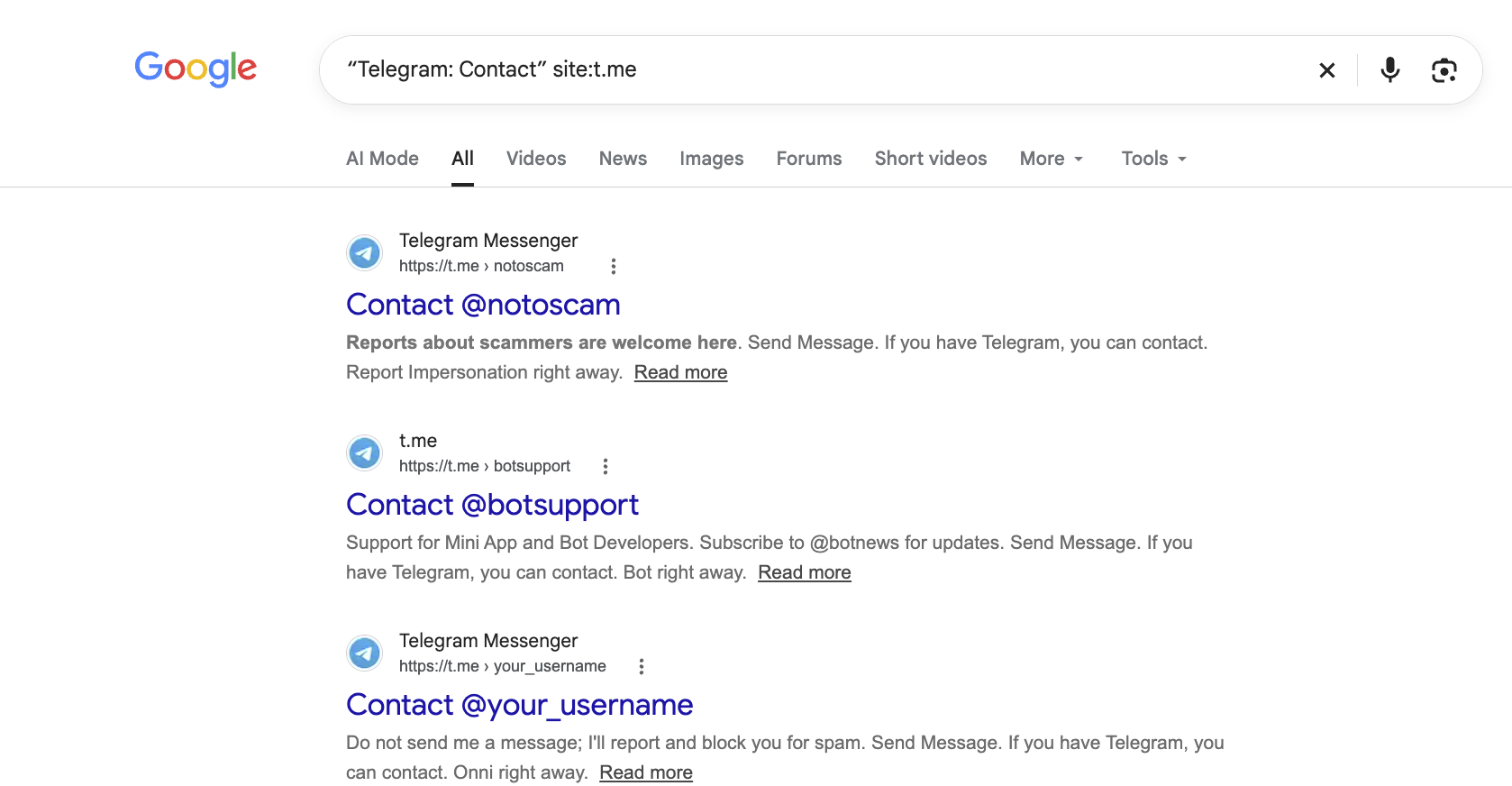
Adding these keywords (note that the quotation marks are important in this case) lets you search mainly for contacts (user profiles):
“Telegram: Contact” site:t.me
And combining a keyword with an emoji lets you filter bots out of the search results:
-“🤖 Bot:” site:t.me
Telegram.org
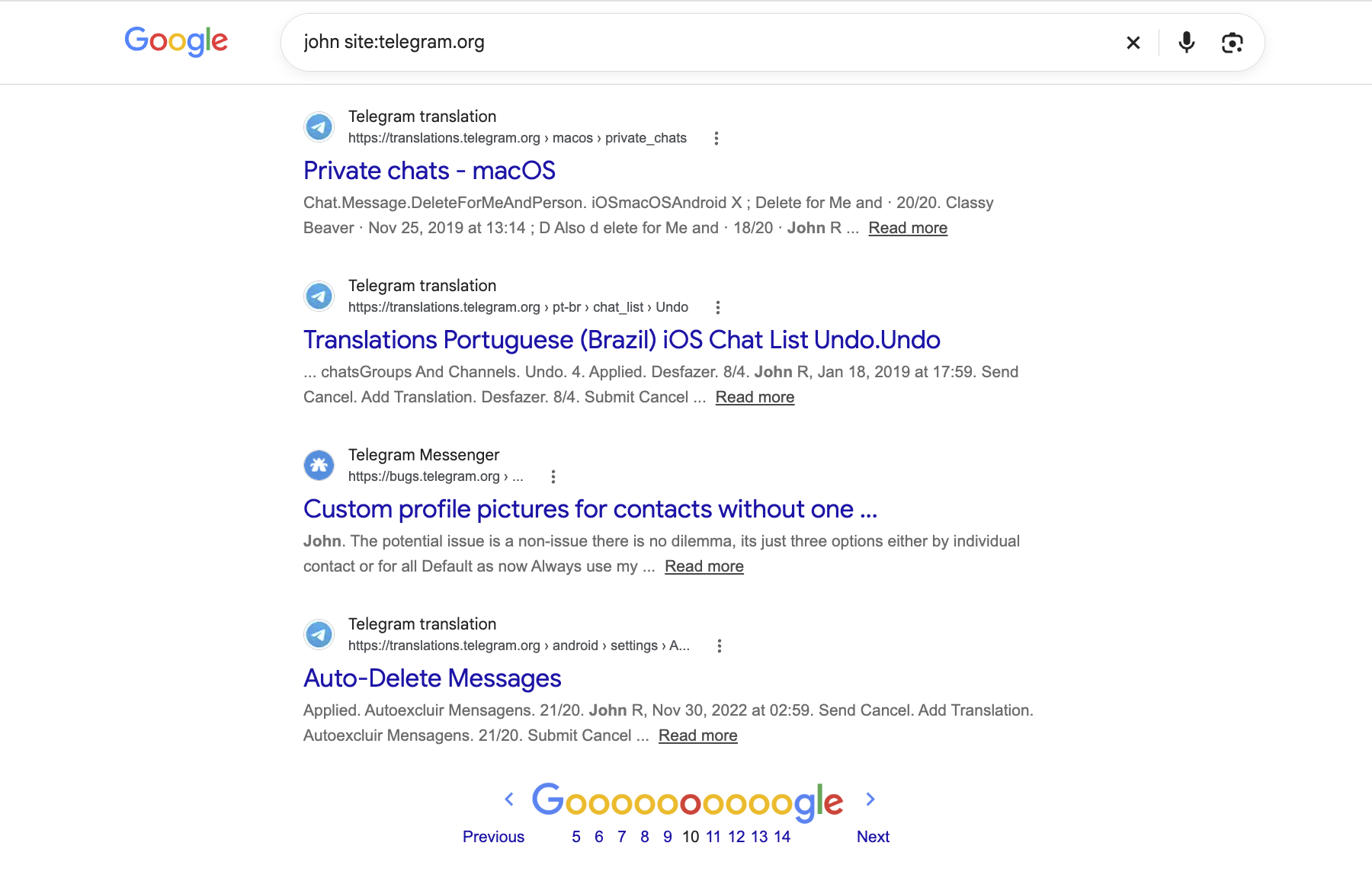
In addition to t.me, you can also search the service domain telegram.org:
john site:telegram.org
This query lets you find content on the subdomains of various Telegram services: instantview.telegram.org (a tool for viewing third-party websites within the messaging app), translations.telegram.org (a platform for collaborative work to improve the quality of Telegram’s interface translations into different languages), bugs.telegram.org (public reports of bugs and suggestions for improving the service), and others.
Telegraph
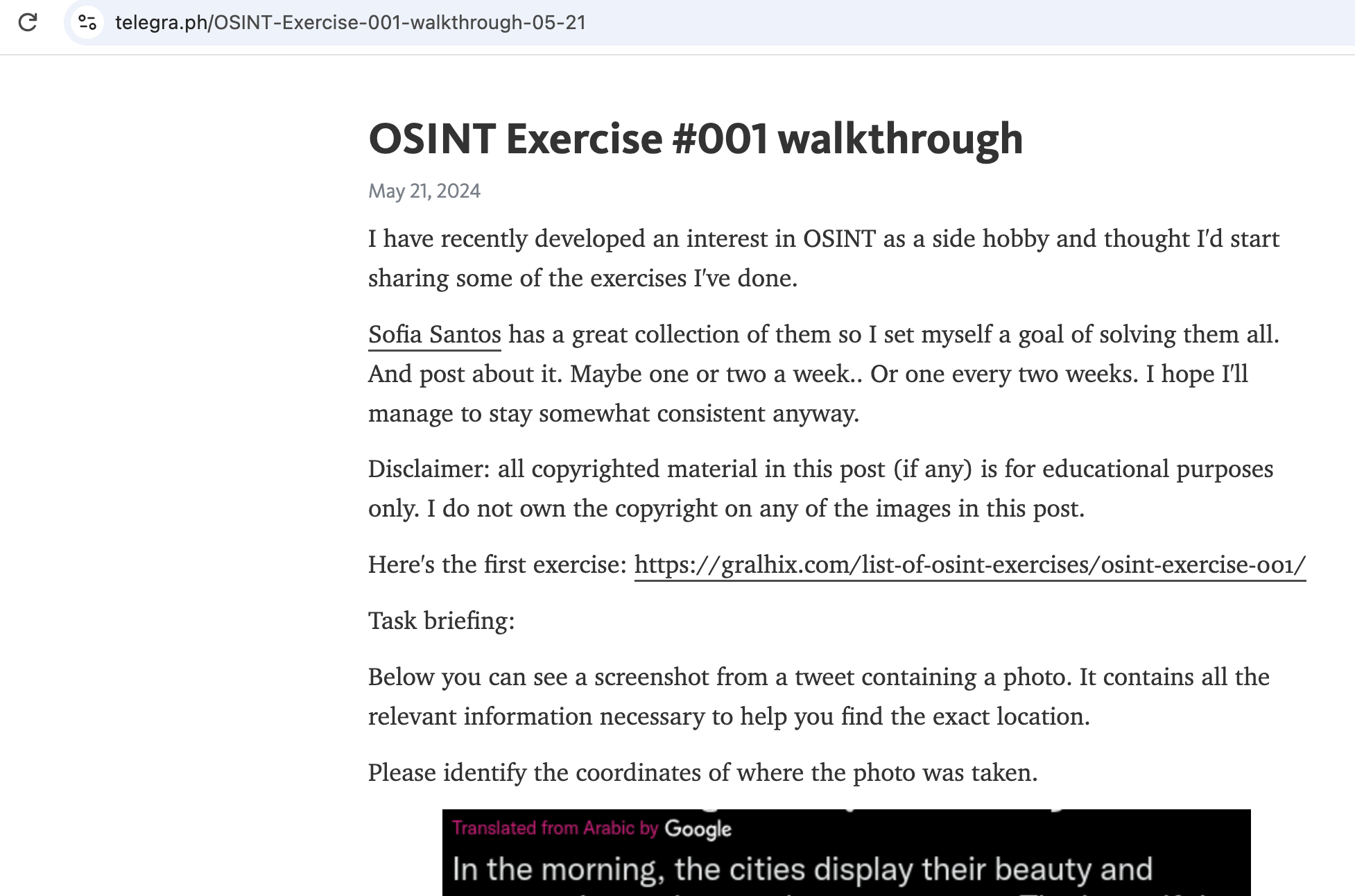
Telegraph is an anonymous article-publishing platform created by Telegram in 2016. Anyone can publish an article there under any name, without registering.
On the one hand, the platform is awash with fake stories, gossip and illegal content. On the other, you can find a wealth of unique information there (especially about public figures) which, on further investigation, turns out to be true. Here’s an example of a search query for the platform:
osint site:telegra.ph
Sometimes the results of such a search are reminiscent of a search on Pastebin. You can find personal data, email addresses, phone numbers and physical addresses (but let me emphasise once again: Telegraph is one of the least reliable sources of information).
Channel directories
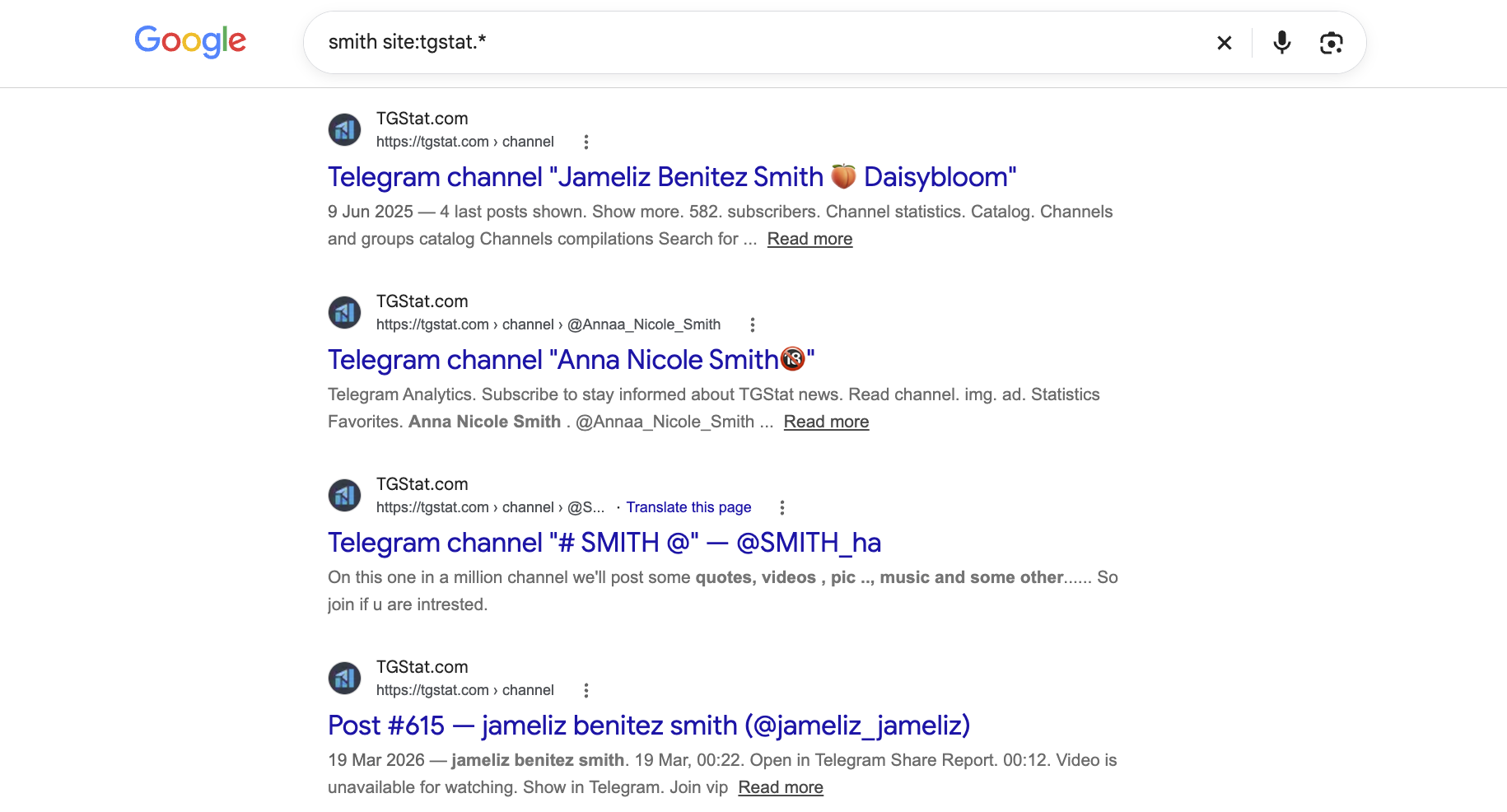
In rare cases, this method can help you find old channel names and descriptions, as well as deleted posts.
Many channel directories and aggregators retain general information about channels, and sometimes even their entire post history. But many of them update their information more slowly than Google. An old channel avatar might remain stored in some little-known directory for several months or years. So, if you need to investigate the history of a particular channel in depth, look it up on the following websites:
site:tgstat.* site:telemetr.me site:telega.in site:telega.io site:tlgrm.* site:tgramsearch.com site:telegramchannels.me site:tgchannels.org site:tglib.net
Alternative Telegram clients
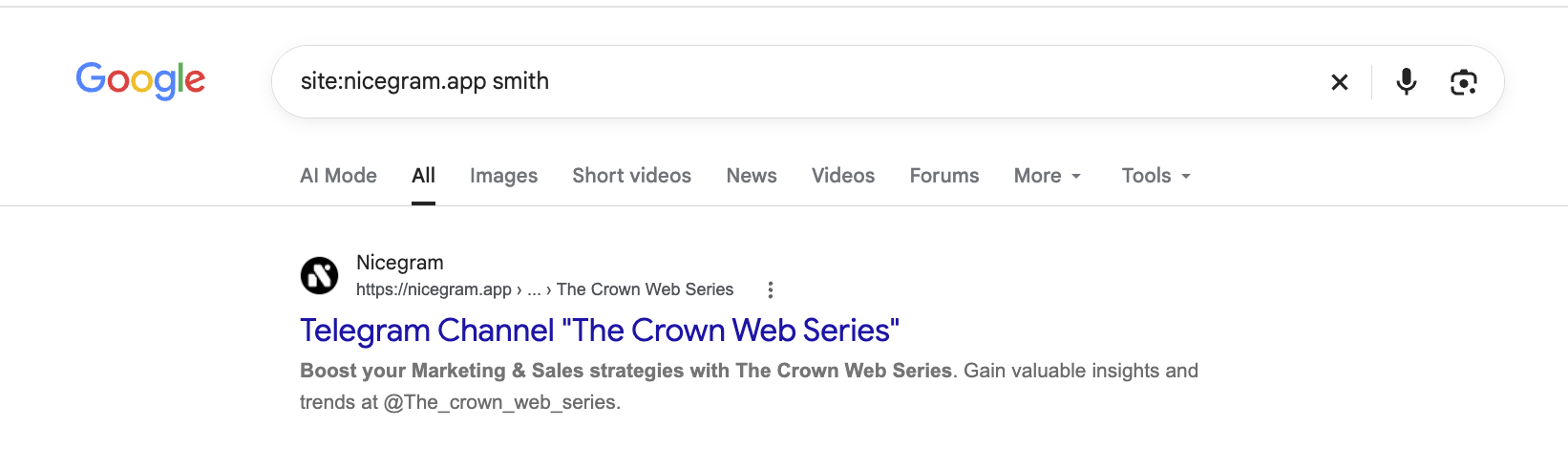
You can also try searching the domains of alternative Telegram clients (Nicegram, web.telegram.im, etc.). This method is mentioned last for good reason: you’re unlikely to find anything with just a few searches. But those who are digging really deep should know about it:
site:telegram.im site:nicegram.app
Conclusion
From this article, you’ve learnt the basics of searching Telegram using Google. If you want to search the messenger for information about a specific person, I recommend combining the search query examples in this article with those in another article on our blog: 5 tricks for searching for information by full name on Google.
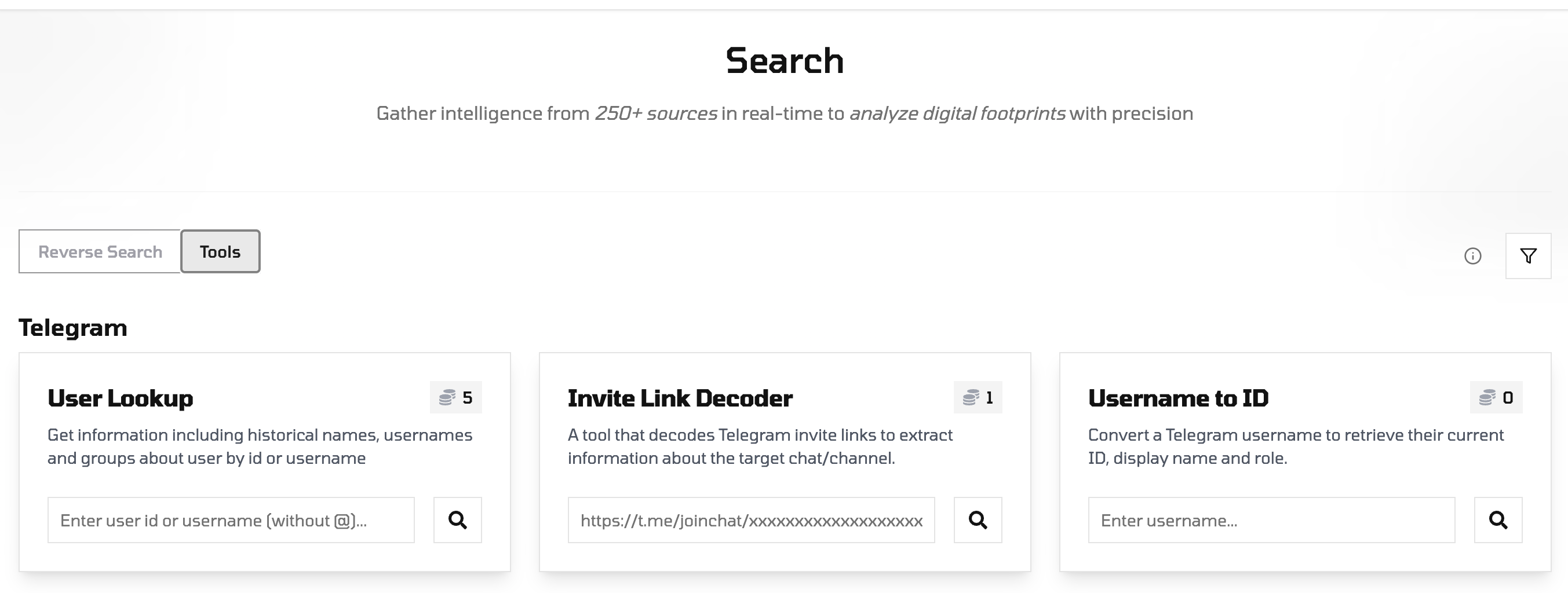
We also recommend trying Noimosiny services for Telegram OSINT:
-
User Lookup - get information including historical names, usernames and groups about user by id or username.
-
Invite Link Decoder - a tool that decodes Telegram invite links to extract information about the target chat/channel.
-
Username to ID - convert a Telegram username to retrieve their current ID, display name and role.